

Let’s face it being a manager is no walk-in-the-park role and often demands juggling multiple responsibilities all at once. One minute you’re confidently leading a morning meeting, and the next you’re resolving a conflict between two employees. Meanwhile, your inbox is exploding and deadlines are looming.
The thing about managing human resources is that sometimes it can be unpredictable, time-consuming, and downright draining. Being a great leader-manager means you’ve got to constantly switch gears between different roles. You’ll need to be a coach, a mediator, a decision-maker, and sometimes even a mind reader. That’s why organizations need leader-managers.
However, while you’re busy putting out daily fires and managing a team of unique personalities, you’re also expected to, you know, actually get things done. Just because you’re helping everyone else with their tasks and responsibilities doesn’t mean yours will magically disappear. Indeed, even superheroes need help. That’s why, today, I’ll be discussing how work flow design assists managers and makes their lives much easier.
How Does Work Flow Design Assist Managers?
Let me help you understand exactly how workflow design can transform your management experience from chaos to clarity.
It streamlines communication channels.
A well-structured workflow creates clear communication pathways, telling everyone exactly who needs to know what and when. It helps prevent derailing situations like “I thought someone else was handling that” or “Oh, was I supposed to tell you about that?” Instead, workflow design organizes the flow of information, enabling messages to move more quickly and effectively.
It automates repetitive tasks.
Whether it’s report generation, approval processes, or project updates, workflow design identifies and transforms repetitive tasks into automated processes. Automation ensures the boring stuff is handled properly so you focus on what really matters managing your team and making the big-picture decisions to fasttrack the company’s growth.
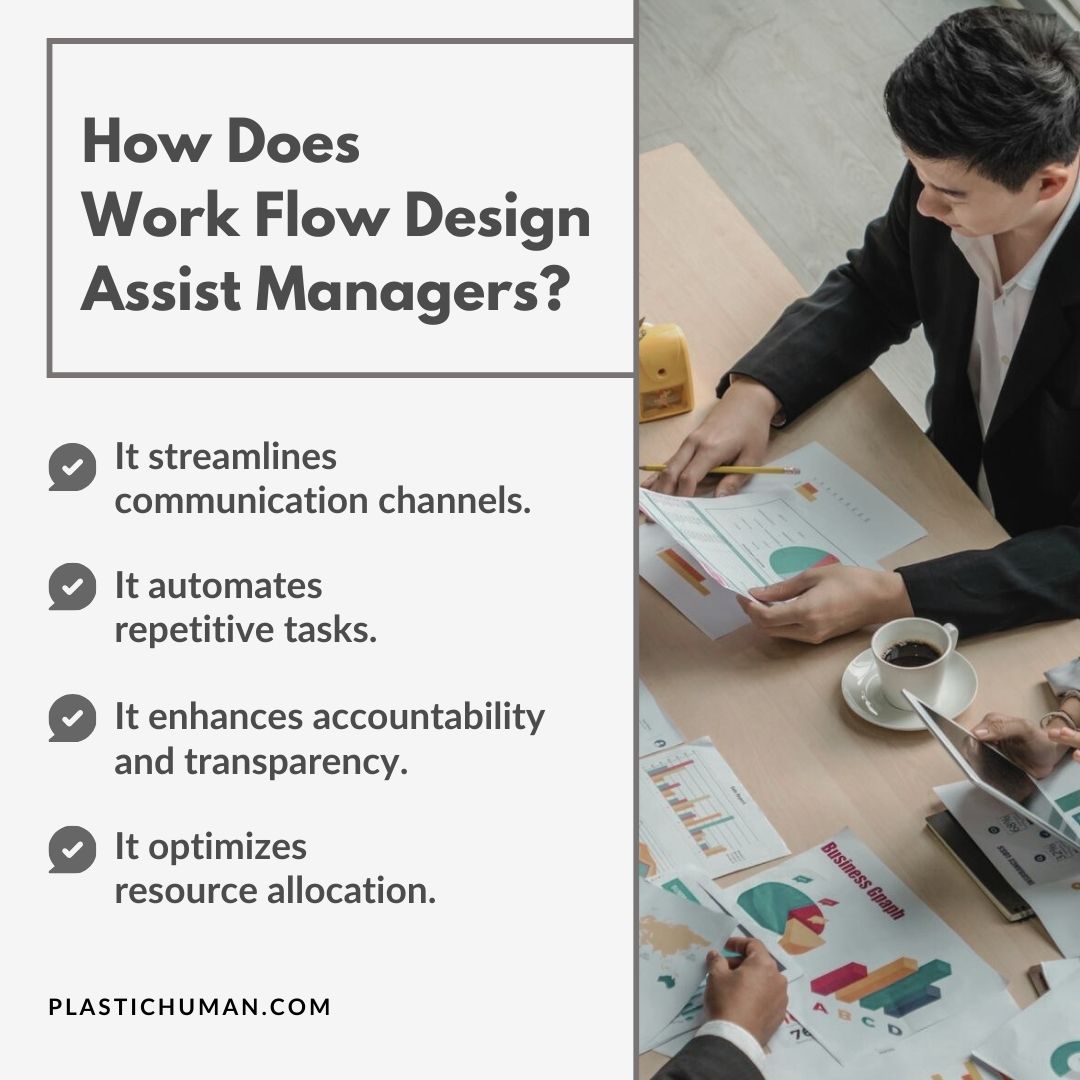
It enhances accountability and transparency.
Gone are the days of “Who was supposed to do that?” or “Where did that project disappear to?” Workflow managers create a crystal-clear trail of responsibility. Every task has an owner, every project has a status, and every deadline is visible. This transparency isn’t about playing Big Brother; it’s about making sure nothing falls through the cracks while keeping everyone aligned and accountable.
It optimizes resource allocation.
Workflow design also helps you see where your resources (time, people, tools) are being used and, more importantly, where they’re being wasted. Thanks to workflow design, you’ll be able to spot bottlenecks before they become traffic jams and reduce errors. You’ll also have more insight on where to redistribute workloads to prevent burnout. Plus, you don’t want your superstar employees stuck doing tasks that could be handled by automation or junior team members.
How To Design A Workflow Process
Below is a simplified step-by-step guide that’ll help you design a workflow that actually works for your team:
Step 1: Map your current process.
You wouldn’t renovate a house without first understanding its structure, right? Hence, you need to understand what’s already happening in your workplace before designing something new. Start by documenting every task, decision point, and handoff in your existing process.
Mind you, you don’t have to handle the entire process of analyzing the tasks and processes all on your own. Talk to your team members about their daily routines and pain points. What bottlenecks do they encounter? Where do they waste time? Where do mistakes typically occur? You can use flow charts or process mapping tools to visualize the current workflow. This’ll help you capture both formal procedures and those unofficial “that’s just how we’ve always done it” methods.
Step 2: Identify areas for improvement.
Now that you’ve got a clear picture of the different tasks necessary for the production of a product or service, look for redundancies, unnecessary steps, and bottlenecks in your workflow. Are there tasks that could be automated? Documents that get stuck waiting for approval? Meetings that could be emails (or emails that should be meetings)? Pay special attention to points where work frequently gets delayed or quality issues arise.
Once again, don’t go it alone. Gather evidence from your team about what frustrates them, where they feel stuck, and what they think could work better. After all, the people doing the work often have the best insights into how to improve it.
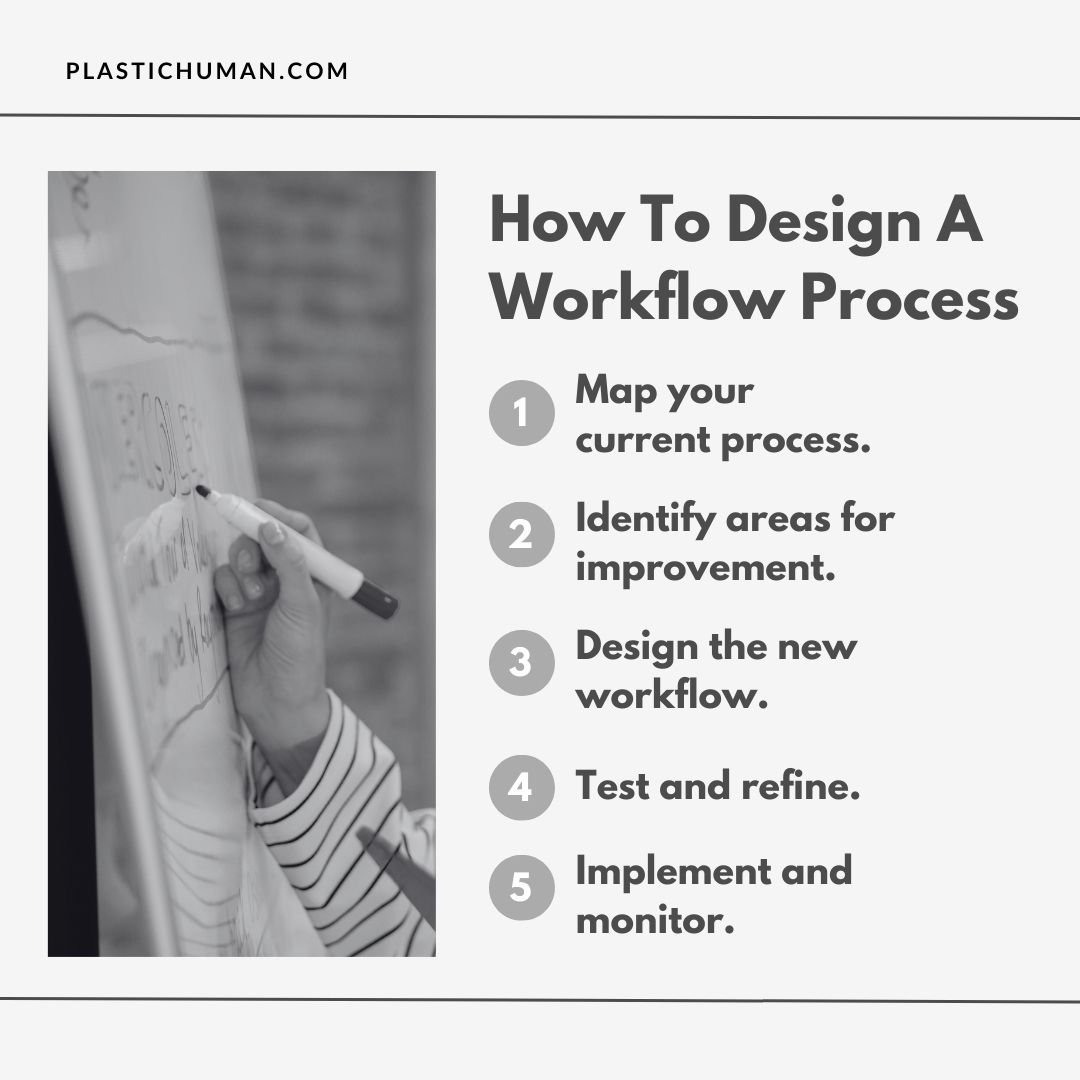
Step 3: Design the new workflow.
Using insights from your analysis, sketch out your new and improved workflow. Start with the end goal in mind and work backward, mapping out each step needed to get there. However, try to keep it as simple as possible. Adding unnecessary steps or decision points could easily present another opportunity for things to go wrong.
Think about incorporating automation tools where appropriate, but don’t automate just for the sake of it. Consider building in flexibility for handling exceptions without derailing the entire process. This is also the time to define clear roles and responsibilities. Spell out exactly who’s doing what, when they’re doing it, and who they need to communicate with.
Step 4: Test and refine.
Before rolling out your new workflow to the entire team, put it through its paces with a pilot test. This means choosing a small group or working on a single project to try out the new process. This step is necessary because it’s much easier to fix issues during a pilot than after full implementation.
So, assess the tasks, monitor how your new workflow design works in real-world conditions, and gather feedback from everyone involved. Note what’s working well, what’s causing confusion, and where there are new bottlenecks. Then, make adjustments as necessary.
Step 5: Implement and monitor.
Now, it’s showtime! Roll out your refined workflow to the wider team but do it thoughtfully. Provide clear documentation and training. Make sure everyone understands not just what they’re supposed to do, but why they’re doing it that way. Set up regular check-ins to monitor how the new process is working and address any issues that may arise. Keep tracking key metrics to ensure the new workflow is actually delivering the improvements you were aiming for.
Implementing an effective workflow design transforms chaos into order.
However, that’s not all! A well-structured workflow design also empowers you and your team to achieve more while stressing less. Remember, the best workflow is one that feels almost invisible, quietly supporting your team’s natural rhythm while eliminating the friction points that drain time and energy.
Want more valuable insights like this that can help create a more efficient, harmonious workplace? Then, subscribe to my weekly blog and podcast for a regular dose of management insights and professional development strategies. Each week, I’ll share expert guidance on everything from leadership excellence to team dynamics, personal growth, and beyond. You’ll also find top recommendations like the best business management books, best books on leadership, and lots more.
The path to exceptional leadership begins with that first step take it now!